

Formatting reference (delete before launch)
This post exists to show you every formatting tool available in a blog post. The date is set to 2020 so it sorts to the bottom of the list. Delete this file (content/blog/_formatting-reference.md) before you launch.
Headings
Use ## for a section heading and ### for a sub-heading. The line above this is a ## heading.
This is a sub-heading
Regular paragraphs are just plain text with a blank line between them. You can make text bold with double asterisks, italic with single asterisks, and add a link to another page or an external link.
Images
Put image files in the public/images/ folder, then reference them with a leading /images/. The alt text in the square brackets describes the image:
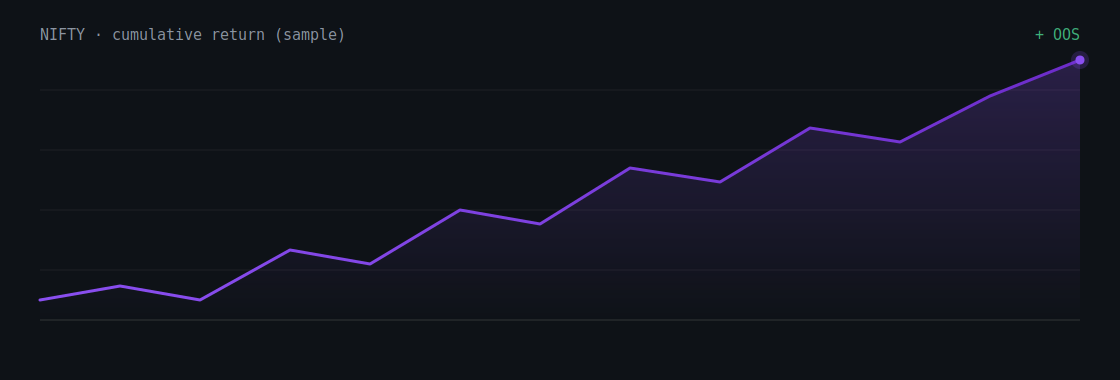
Figure 1 — an italic line immediately after an image becomes a centered caption.
Code blocks
Wrap code in triple backticks. Add the language name after the opening backticks for languages that support it:
import pandas as pd

df = pd.read_csv("banknifty_3min.csv", parse_dates=["datetime"])
df["ret"] = df["close"].pct_change()
print(df["ret"].describe())
For Pine Script and AmiBroker AFL, add pine or afl after the backticks — both now have custom highlighting too:
//@version=6
indicator("DEMA cross", overlay = true)
len = input.int(16, "DEMA length")
d = ta.dema(close, len)
plot(d, color = color.purple)
if ta.crossover(close, d)
    strategy.entry("Long", strategy.long)
// AFL — simple DEMA cross
d = DEMA(Close, 16);
Buy  = Cross(Close, d);
Sell = Cross(d, Close);
You can also write inline code using single backticks inside a sentence.
Lists
Bulleted list (use a dash):
- First point
- Second point
- Third point
Numbered list (use 1.):
- Build the strategy
- Test in-sample
- Validate out-of-sample
Quotes
Use a
>at the start of a line to create a blockquote — handy for pulling out a key idea.
That's everything. To start a real post, copy an existing file in content/blog/, rename it, edit the title/date/excerpt/tags at the top, and write below.
Want a strategy like the ones discussed here built and validated? See the service →